 CheapVideo
Short videos built around one clear visual idea
Strong clips give the viewer one subject, one movement, and one mood to remember. These examples show directions suited to a compact prompt: a deliberate portrait, a product reveal, a fashion beat, or an atmospheric environment.
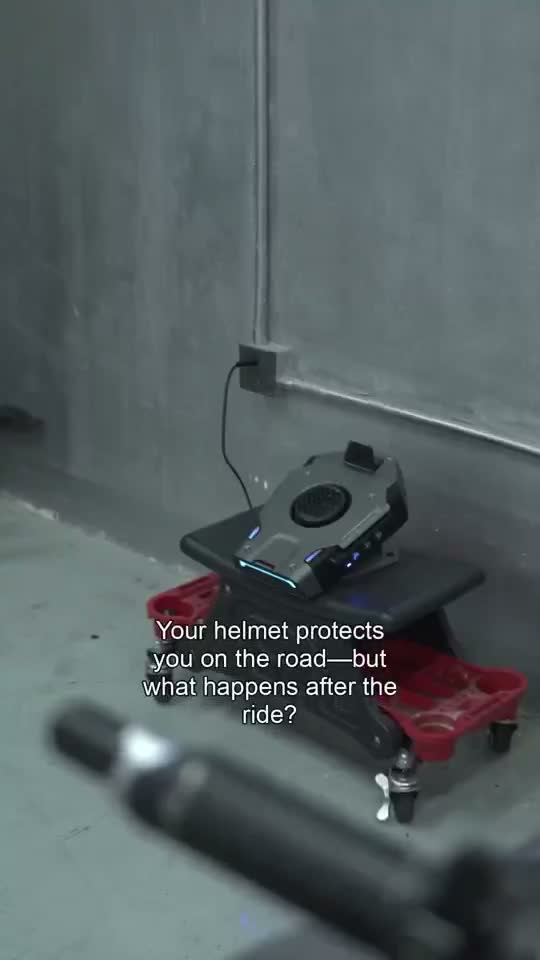
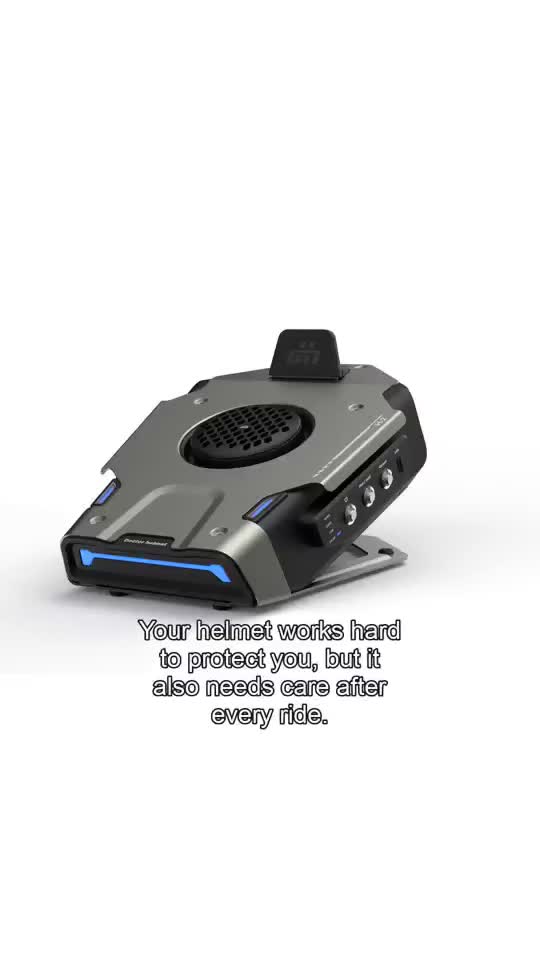
Four practical directions to study
A useful case is more than a pretty frame. It shows how subject, camera, light, and duration work together. Use these categories as starting points, then write a prompt that fits your own product or character.
Character portrait
Keep identity, wardrobe, and expression stable while introducing a restrained head turn or camera push.
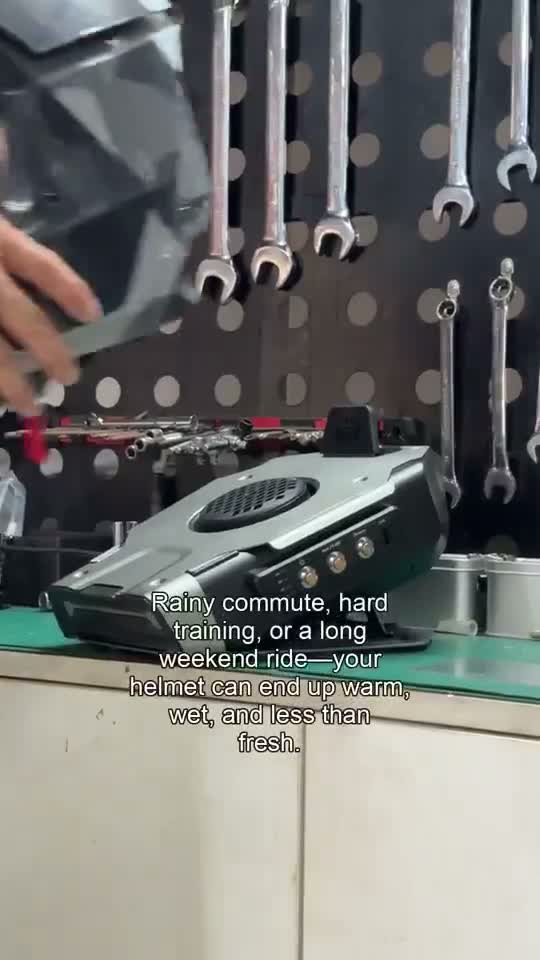
Image-led motion
Start with an approved still, then describe the exact movement and the details that must remain fixed.
Fashion movement
Use a simple gesture and controlled camera move so fabric and silhouette stay readable in a short loop.
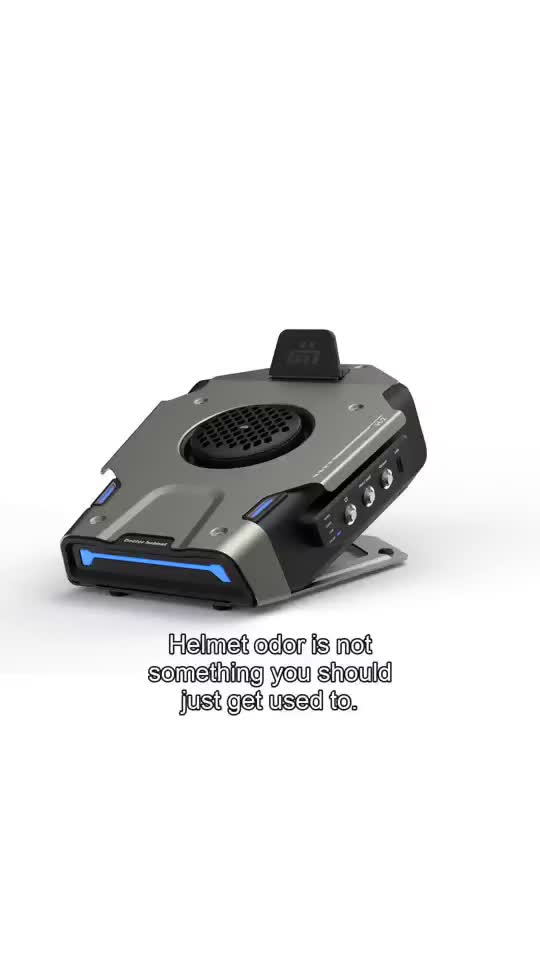
Product reveal
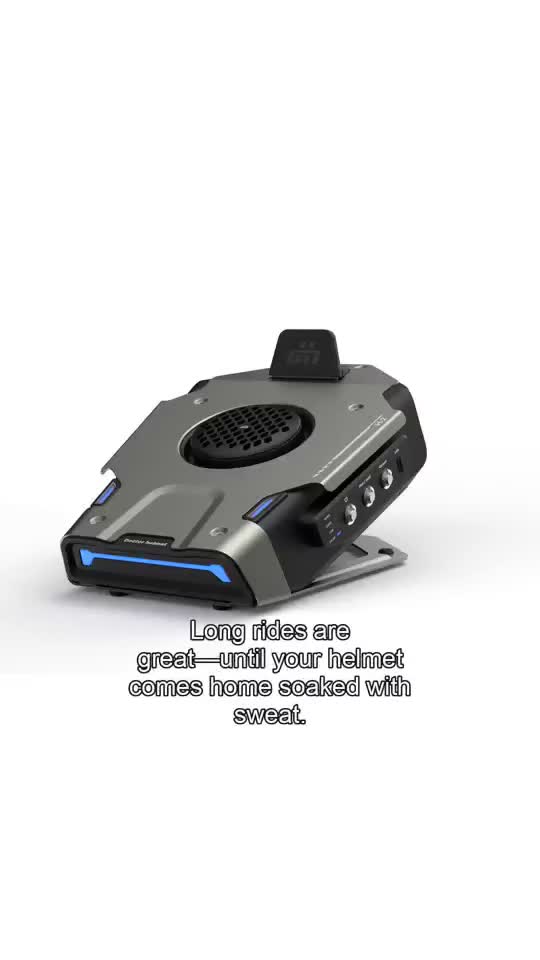
Protect the shape and label while revealing form through light, rotation, or a measured dolly move.
Atmosphere and place
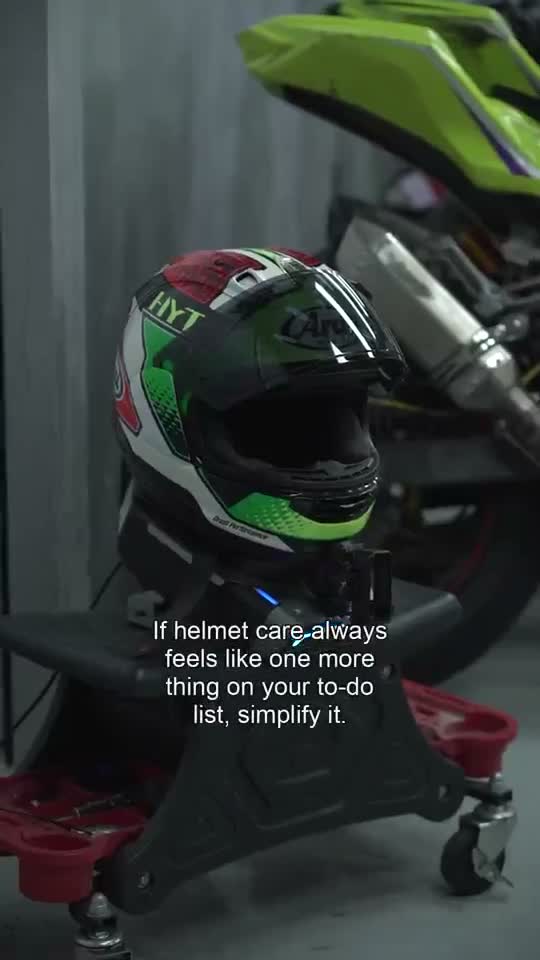
Let weather, light, or a small environmental event carry the clip without overcrowding the frame.
Social story beat
Build a vertical shot around one action that can survive tight cropping and a small mobile screen.
Reverse-engineer the shot before generating
Begin by writing what the viewer notices first, then add motion. For the character examples, the important information is face, styling, light, and the smallest action that creates life. For the product examples, the important information is silhouette, surface, label, and how the camera reveals them. For atmospheric pieces, the setting needs enough specificity that a change in wind or light reads as an event rather than random flicker.
Next, decide where the clip will be seen. A portrait frame fills a short-video feed, but a product page may need landscape room for navigation and copy. You can set the orientation and resolution inside the workbench. A testing pass at a lower output size can help you judge composition before spending more credits on the final candidate. Keep a consistent prompt when only one setting changes so the comparison remains meaningful.
Finally, look for failure-prone detail. Hands, jewelry, small type, reflective products, and crowded backgrounds can change from frame to frame. Reduce what the camera must resolve, place the key action early, and use reference images when a face or product cannot drift. Store the strongest reference in project assets so the next iteration starts from the same visual anchor.
Turn an example into a reusable workflow
Move from a reference to a production pattern by naming the parts you want to repeat. A recurring character needs the same identity description and source image. A product series needs the same shape, label, and lighting language. A campaign may need one clip in portrait and a related crop in landscape. Keep these elements in the project description or prompt so each run does not begin from a blank page.
Use the video generator guide for prompt-led clips and the image-to-video guide when a still should anchor the motion. Pricing explains how the workbench quotes each configuration. If you share the product with a team or audience, the invite page describes referral tracking and eligibility. Then open the workbench to test the direction against your own references.
Build the next example
Use a reference image, a focused prompt, and a visible quote in the real workbench.